
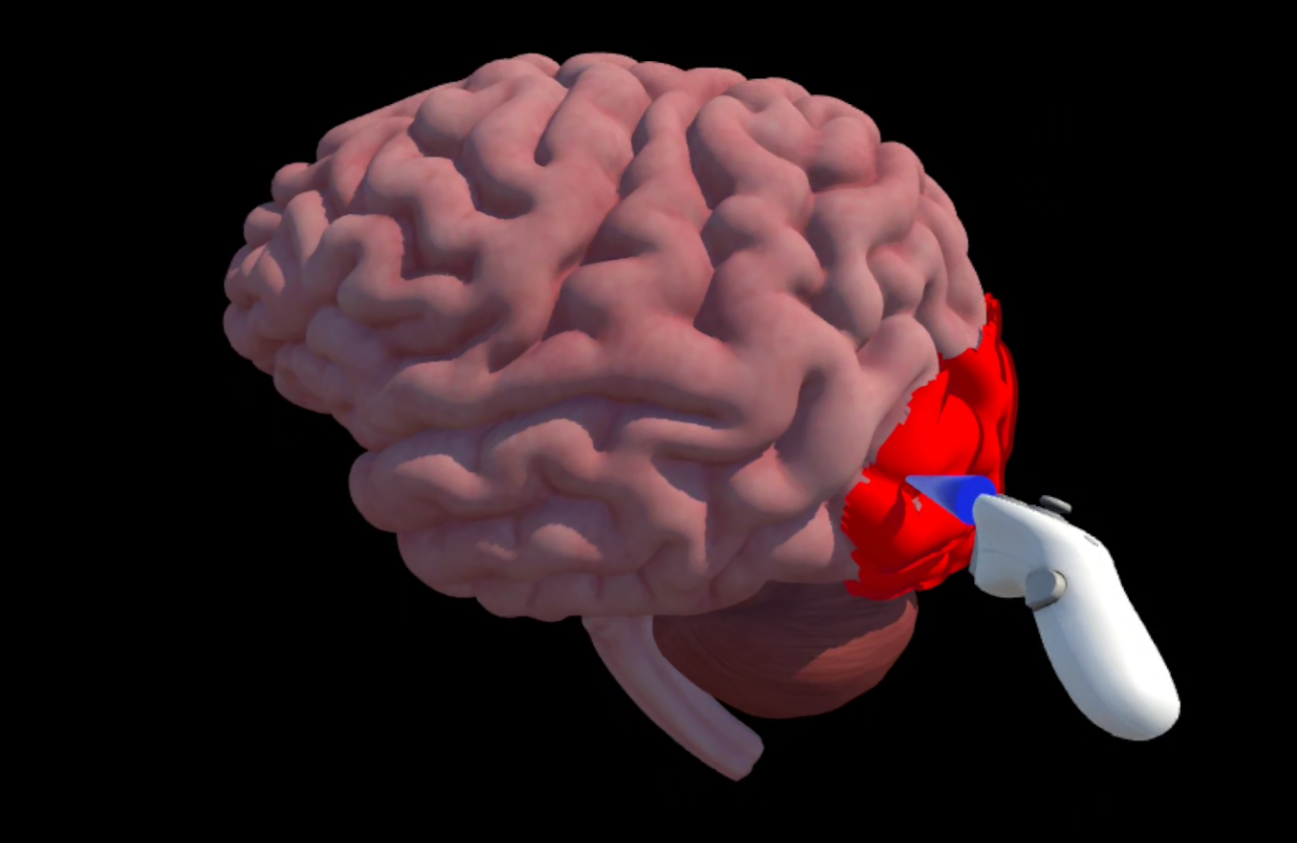
Discover Brain Voyage XR |
 |
|
Our Team

Lauren Petley
Associate Professor of PsychologyClarkson University
Game Concept and Design, Writing, Voice of Narrator

Alex M. Lee
Associate Professor of AnimationMIX Center Faculty Affiliate
Arizona State University
Game Design, 3D Modeling, Game Development, Voice of "Shawn"

Bo Li
Human with feelingswww.bolisound.com
Sound and Music

Shreyak Duggirala
Student AssistantVisit Online Portfolio
Animation, Character Design,
Voice of "Other Schwann Cell"

Hemanthsai Konatham
Student AssistantUnity Code Development

Jack Rich
Student AssistantAnimation
How to Play
 | Step 1: Download the game from Sidequest or the Meta Store. |
|
 | Step 2: Install it on your Quest VR headset. If using Sidequest, follow their instructions for APK installation. |
|
 | Step 3: Study your neuroanatomy from the Biopsychology section of OpenStax Psychology. |
|
 | Step 4 (optional): Stream your gameplay to a TV or computer monitor to play with a friend who can give you hints. |
|
 | Step 5: Start the game! |
|
 | Step 6: Choose your level of difficulty. On Easy mode, you have six attempts per brain structure. On Medium difficulty, you have three, and on Hard, you only get one try. |
Game controls
Touch | Hand | ||||||
| Access Tools | 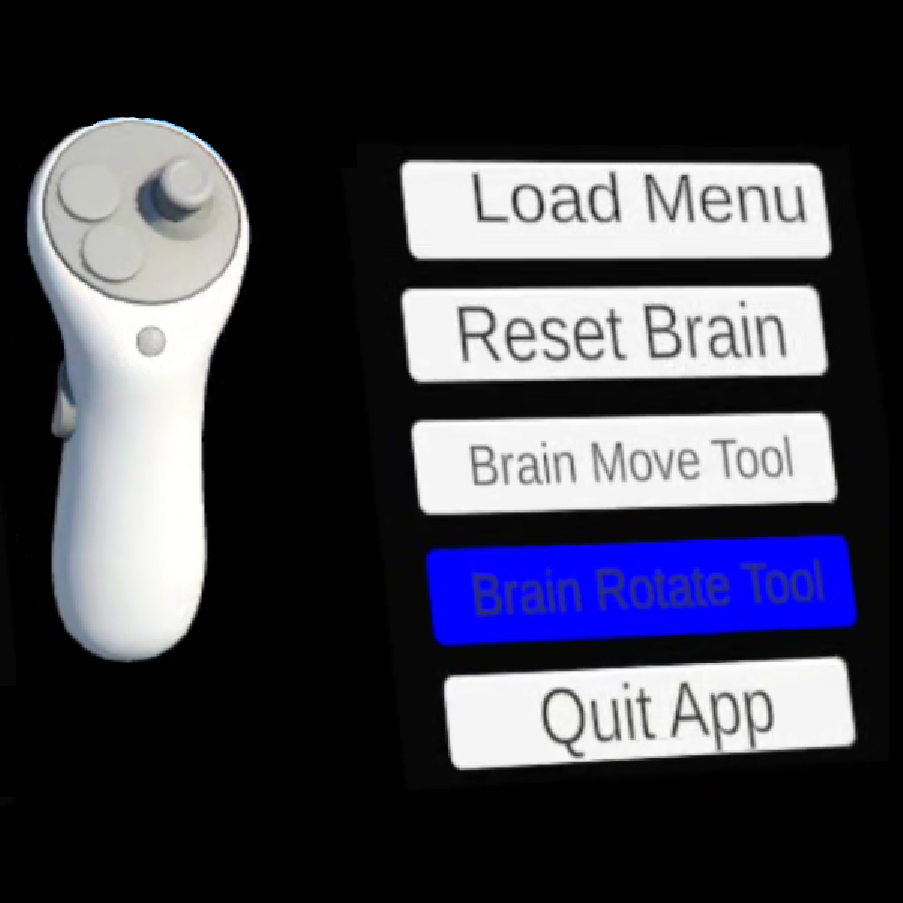 | Controller Menu | 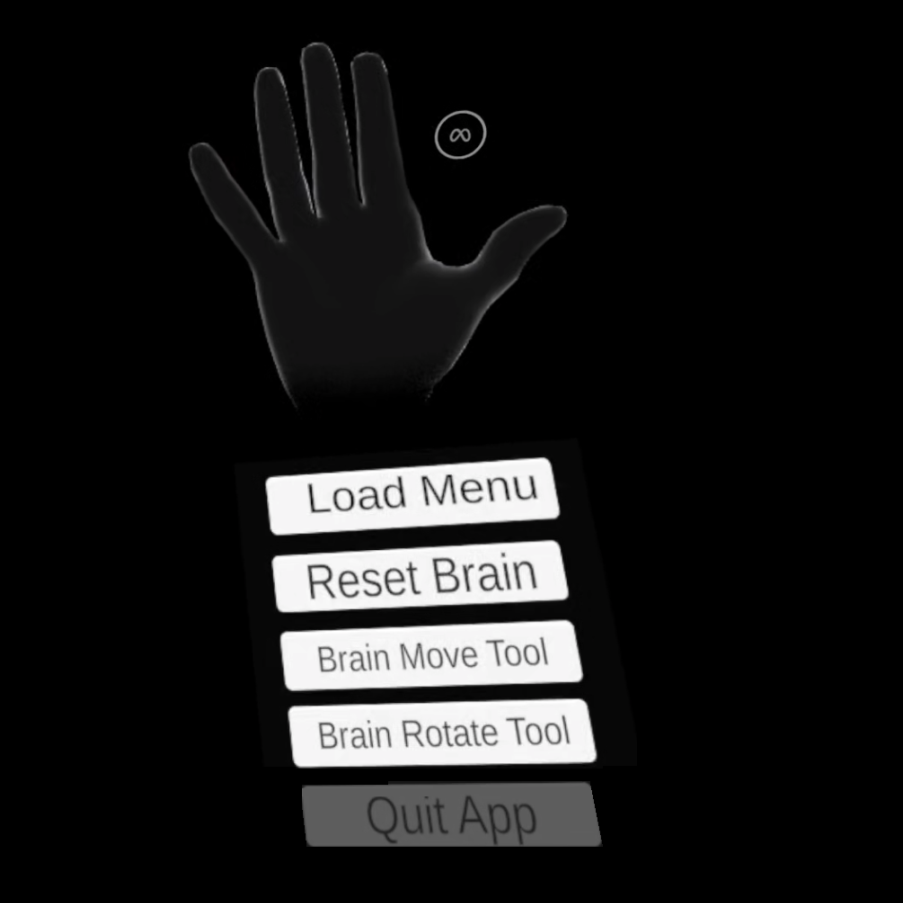 | Wrist Menu | |||
| Move the Brain |  | Brain Move Tool | | Brain Move Tool | |||
| Rotate the Brain | 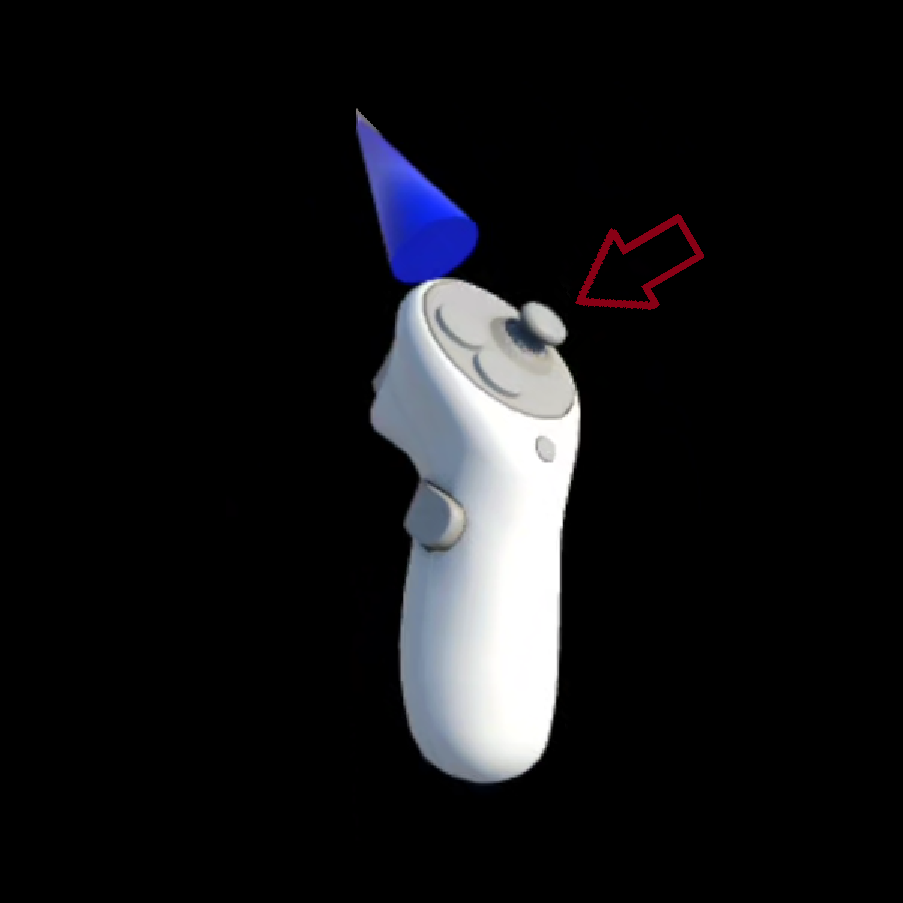 | Thumbstick or Brain Rotate Tool | 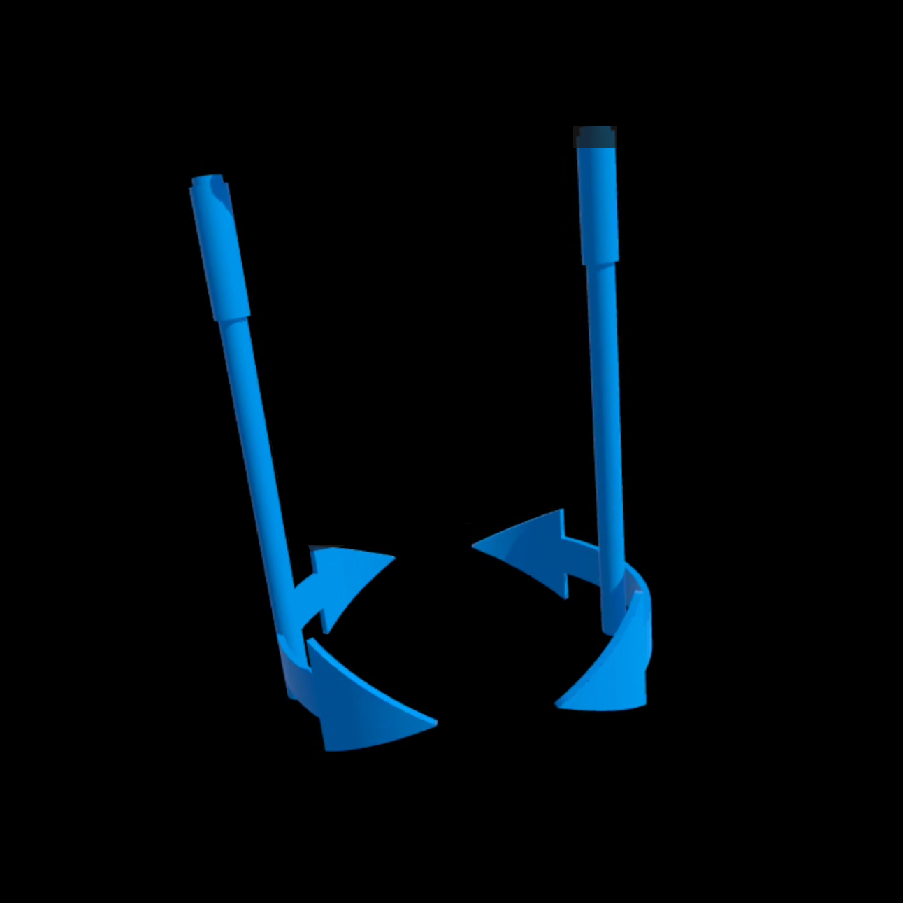 | Brain Rotate Tool | |||
| Grab | 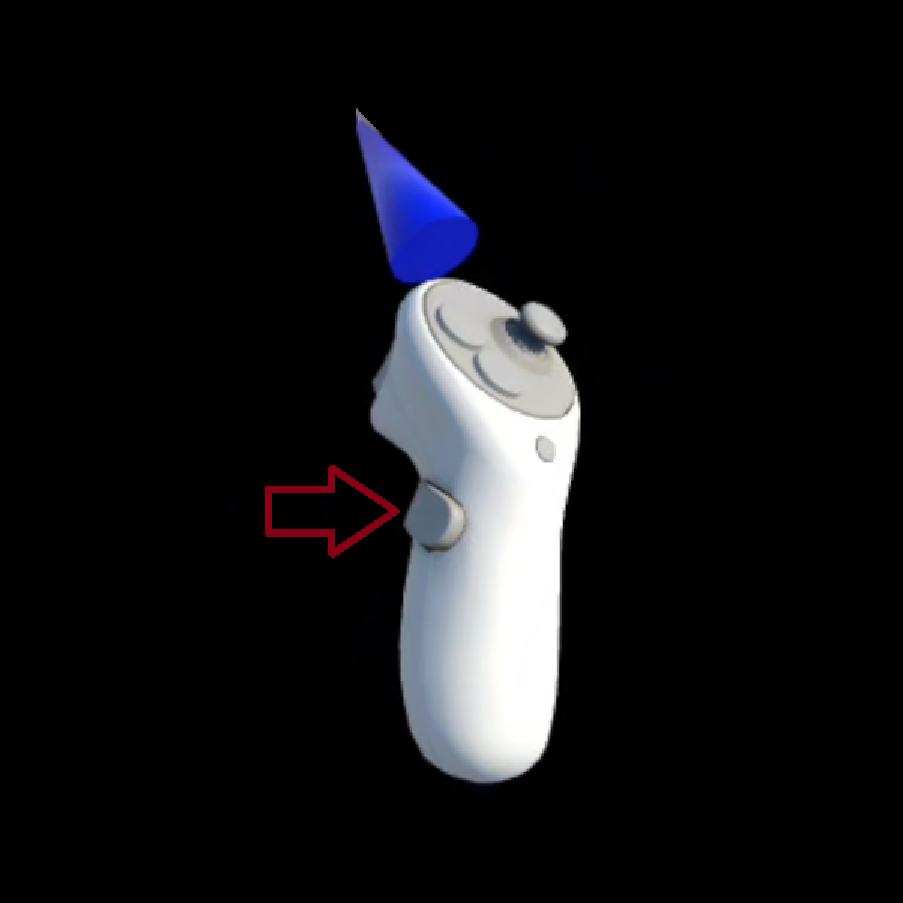 | Middle Finger Trigger |  | Pinch | |||
| Make an Attempt / Probe | 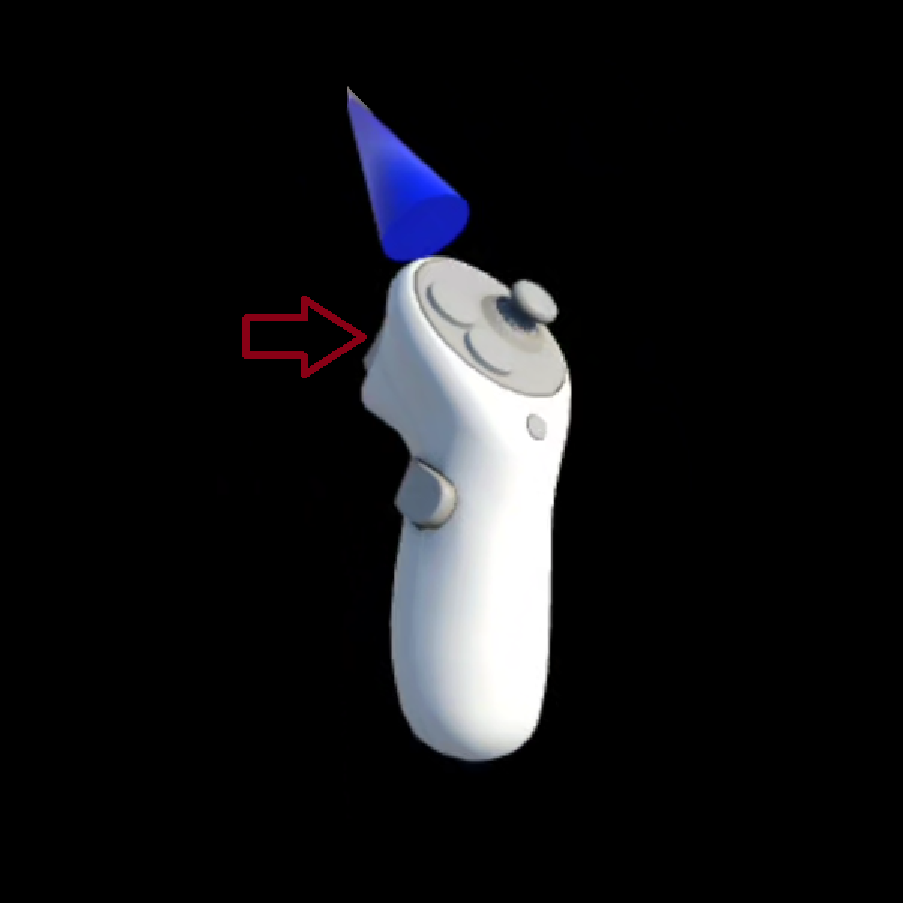 | Index Finger Trigger |  | Double Point (both hands) |